No phone number required

Say It on MsgMe

Private messaging that starts with a username. Claim your @handle, share it with the people you actually want to hear from, and talk across phone, tablet and desktop.

  • Free to use
  • Works on mobile and desktop
  • Installable app
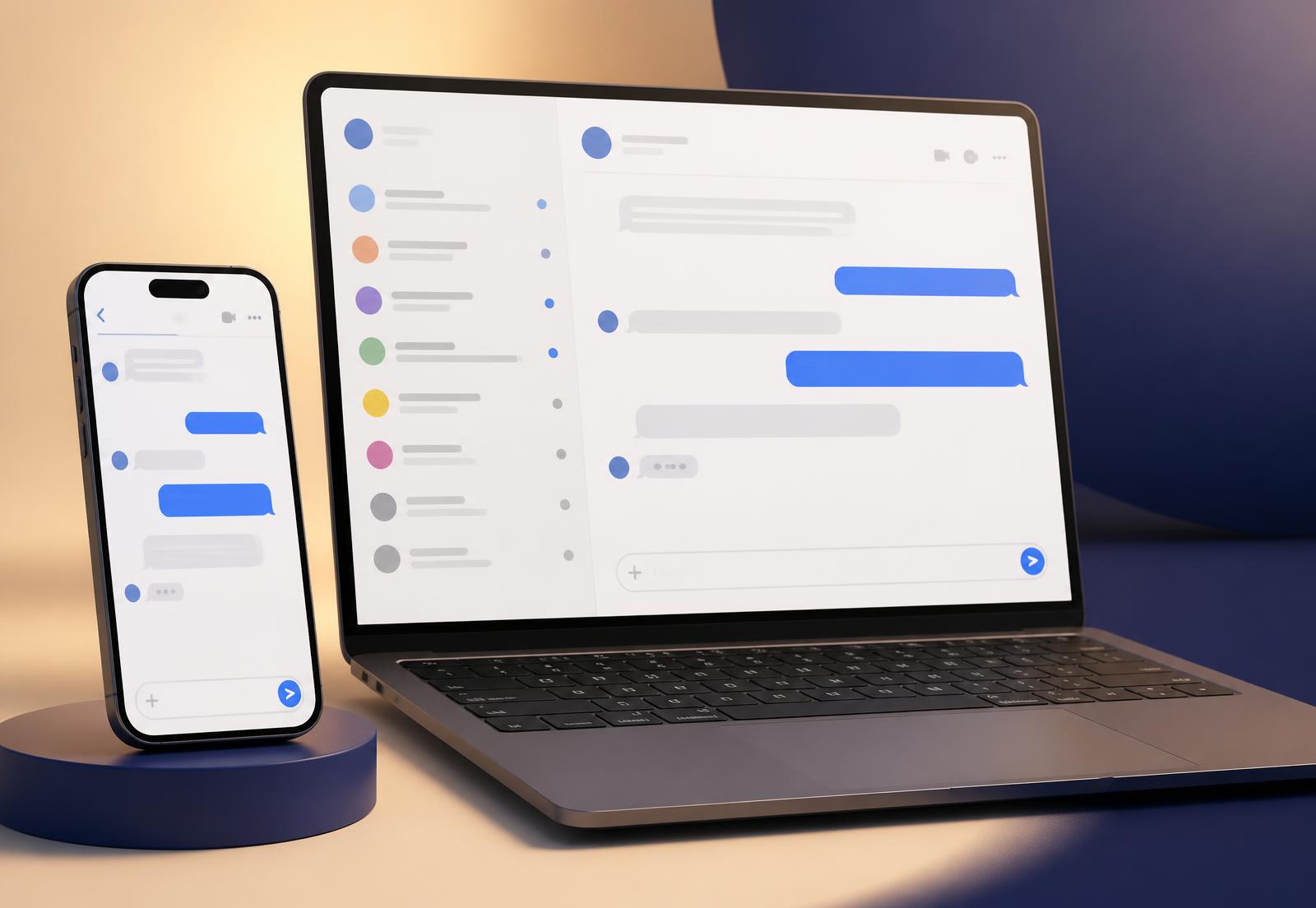
MsgMe chats open side by side on a phone and a laptop

Everything a messenger should do

MsgMe is built for daily conversation — quick, quiet and reliable, on whichever device is in your hand.

Real conversations

Replies, edits, reactions, read receipts and typing indicators — the everyday things, done properly.

Voice notes

Record, review and send a voice note with waveform playback and adjustable speed.

Photos, video and files

Share media in a chat. Attachments are stored privately and served only to the people in that chat.

Groups with roles

Owners and admins control who can invite, edit and post. Mentions notify only who you meant.

Notifications that behave

Install MsgMe and get push notifications, per-chat mute, and previews you can switch off.

Chat requests

Nobody lands in your inbox uninvited. Accept, decline or block — quietly, with no signal sent back.

Username-first, by design

Most messengers ask for your phone number and then quietly use it to connect you to everyone who has it. MsgMe does not. Your identity here is the handle you chose, and you decide who gets it.

Read the privacy policy

Your @username is the only public identity

People find you by handle. Not by phone number, not by contact upload, not by a social account.

Your email is private account data

Email is required to secure and recover your account — and is never shown to anyone else on MsgMe.

Access is checked on the server

Every message, upload and profile read is authorised server-side. Nothing is trusted from the browser.

One account, every device

MsgMe runs in the browser and installs like a native app. Add it to your home screen on iPhone or Android, or install it from the address bar on desktop, and it opens in its own window with notifications and offline-aware screens.

Add to Home Screen on iOS and Android
Install from the desktop address bar
Push notifications where supported
Signed out safely on shared devices

Getting started takes a minute

  1. 1Pick a unique @username — lowercase, easy to share.
  2. 2Add your email so we can verify and recover the account. It stays private.
  3. 3Send a chat request, or accept one, and start talking.
Get started free

Your handle is waiting.

Claim it before someone else does, and keep your phone number out of it.

Say It on MsgMe